Facilio is the modern alternative to IBM Maximo, built for fast, connected operations.
Maximo slows teams with heavy setups and rigid workflows. But, Facilio helps you move faster with real-time visibility and instant adaptability.
- Deploy in weeks, not months
- No-code workflows
- Real-time KPIs across portfolios
- Mobile CMMS app
Reduced Customer Escalation
SLA Adherence
Reduced Downtime
Facilio is the #1 IBM Maximo alternative teams choose when Maximo starts holding them back
Facilio unifies people, processes, and systems across the entire O&M lifecycle, far beyond Maximo's maintenance-first design.
Seamlessly connects with ERP, BIM, BMS, sensors, and financial systems — without heavy middleware or custom work.
Add buildings, service lines, or regions without re-deploying or rewriting workflows. Designed for enterprise growth.
Update workflows and processes anytime. No rigid "new requirement" cycles or costly change requests.
From technicians to CFOs, everyone gets real-time insights tailored to their role — something Maximo doesn't natively support.
Facilio gives you a customer-led roadmap, and responsive support not the consulting-heavy model Maximo depends on.

Modernize your operations the easy way
See why FM leaders across 200M+ sq. ft.
choose Facilio over Maximo.
Facilio vs IBM Maximo:
Modern features that Maximo can’t match
| Connected Operations Platform | check_circle | close |
| Native Mobile Apps for All Stakeholders | check_circle | check_circle |
| Real-time Portfolio-wide Visibility | check_circle | close |
| Rapid Deployment (Weeks) | check_circle | close (Months) |
| No-code Workflow Customization | check_circle | close (Custom dev needed) |
| Interoperability with ERP / BIM / BMS / IoT | check_circle | close (Middleware) |
| Scalable SaaS Architecture | check_circle | close (Legacy) |
| Lower Long-term TCO | check_circle | close |
What industry leaders say about their transition to Facilio

Facilio’s differentiated approach convinced us that it was possible to do more with less — orchestrating and automating dynamic operational processes.

GM Safety and Facilities NSW, Investa

After migrating to Facilio we saw an 80% drop in escalations and a 30% reduction in reactive call volume across portfolios.

Quality FM

Once we switched to Facilio, all the data was in place for our technicians. We moved from reactive to proactive maintenance.

Eurohealth Systems

We designed ICD Brookfield to be a benchmark for sustainability and experience — Facilio helped centralize property management.

ICD Brookfield Place

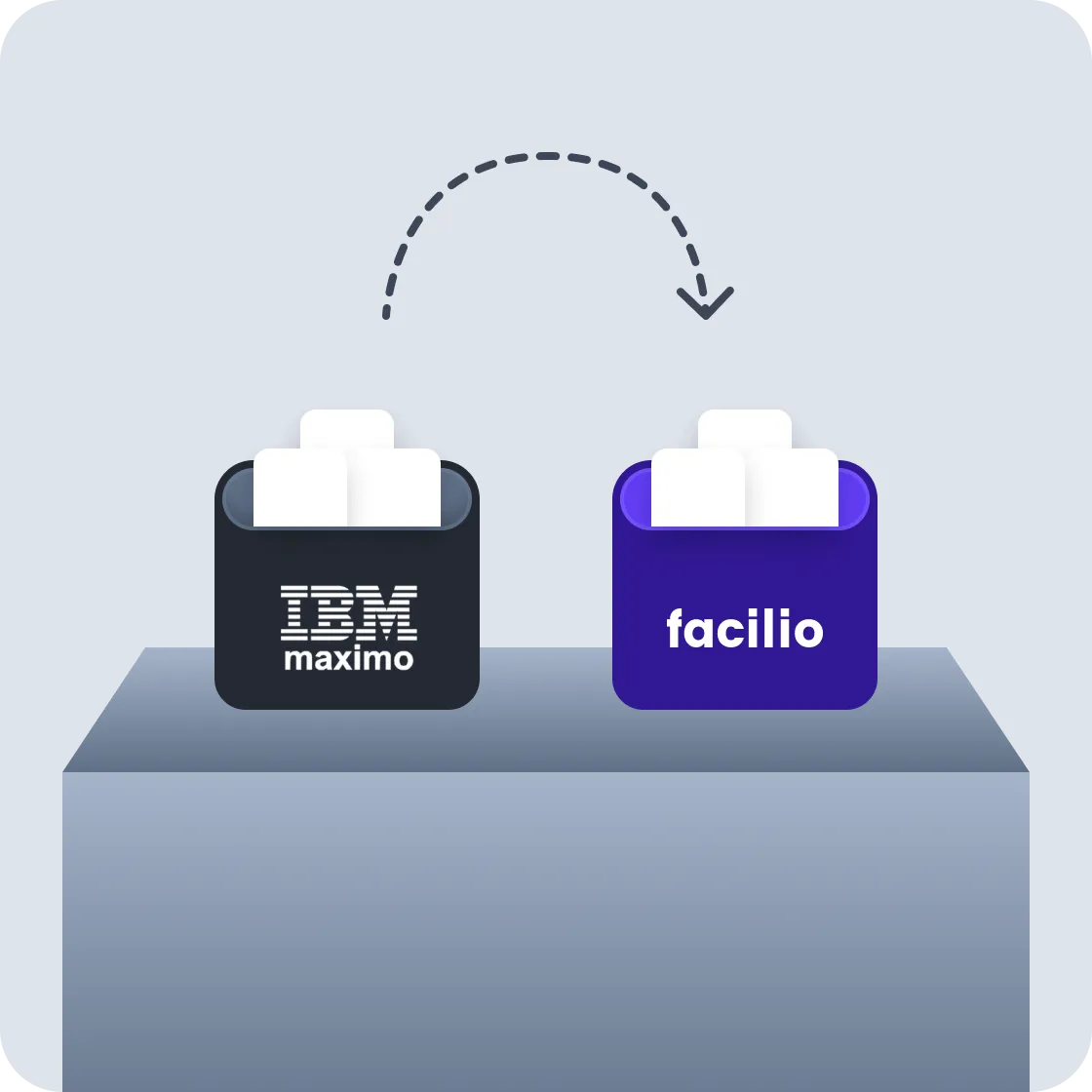
Already on Maximo?
Switching to Facilio is simpler than you think.
- 01 Discover and Align
We map your Maximo workflows, data, and integrations to create a clear, tailored migration plan.
- 02 Migrate and Configure
Your data is cleaned, mapped, and imported using standardized templates while workflows, roles, and modules are set up through no-code tools.
- 03 Go Live with Hypercare
Functional testing, cut-over validation, and dedicated hypercare ensure a smooth, confident launch across your portfolio.
Maximo brought you this far.
Facilio takes you where you’re
headed.
Schedule a Live DemoFrequently Asked Questions
Is Facilio a full replacement for IBM Maximo?


Is Facilio easier for technicians & FM teams to use?
Will we lose any data when moving from Maximo?
Does Facilio integrate with our existing systems?
How long does it take to migrate from Maximo to Facilio?
How is Facilio different from Maximo in daily operations?