Connected CMMS

 Connected Buildings
 Connected Refrigeration


 Download ebook

 Read case study


 Watch now


 Retail
 Healthcare
 FM Services
 Commercial Portfolios
 Corporate Facilities
 Education
 Data-driven Portfolio Ops
 Facility Management Software
 360° Asset Lifecycle
 Continuous Sustainability

 Blogs
Blogs
 Help docs
 Knowledge Hub
 ROI Calculator
 Ebooks & Guides
 Webinars
 Case studies


 About us
 Newsroom
 Careers
 Contact us
 Partners
 Events



Maintenance execution doesn’t fail because teams lack effort.
It fails because execution isn’t standardized.
One technician replaces an AHU filter one way.
Another skips a safety step.
A third forgets to log parts consumed.
Across a multi-site portfolio, those inconsistencies compound into:
- Missed SLAs
- Compliance risks
- Asset reliability issues
- Escalations during audits
- Budget overruns
That’s exactly why Job Plans in Facilio exist.
What is a Job Plan?
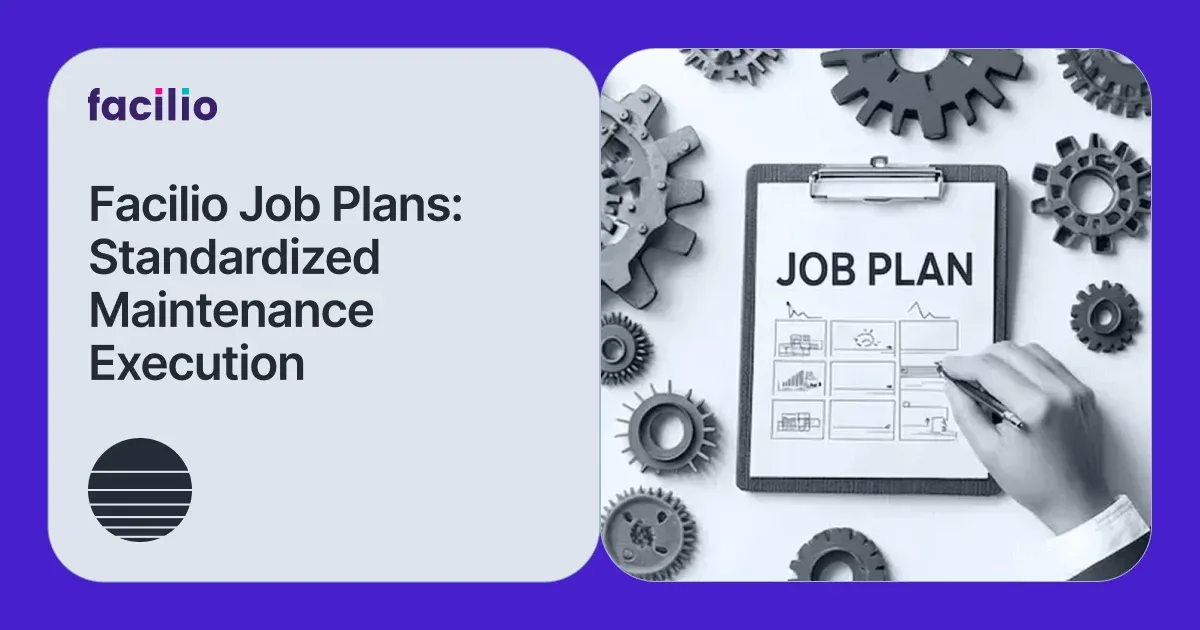
A Job Plan isn’t just a task template. It’s the operational blueprint for how maintenance should be executed—every time, across every site.
Let’s break down how it works, why it matters, and what it unlocks for maintenance leaders.
Why standardized job execution matters more than ever
Facilities teams today operate in environments that demand:
- SLA compliance across contracts
- Regulatory adherence (fire systems, HVAC, healthcare compliance, etc.)
- Multi-site operational consistency
- Data-backed performance reviews
- Workforce optimization
Yet many organizations still rely on:
- Technician memory
- PDF SOP manuals
- Spreadsheet-based schedules
- Manual work order planning
The result? Maintenance quality varies by technician, shift, or site.
When audits happen—or when clients ask for performance proof—teams scramble to reconstruct execution history.
Job Plans in Facilio address this operational gap at its core.
What is a job plan in Facilio?
In Facilio, a Job Plan is a reusable template that defines how specific maintenance tasks are performed across assets, buildings, or entire portfolios.
It forms the foundation for:
- Preventive maintenance
- Corrective workflows
- Inspection rounds
- Predictive maintenance triggers
Because Facilio is cloud-native, job plans are:
- Centrally defined
- Automatically deployed
- Real-time updated
- Mobile-enabled
- Performance-tracked
Instead of creating work orders from scratch, maintenance managers build intelligence into templates and let automation handle the rest.
The core purpose of job plans in Facilio
Job Plans are not just administrative shortcuts. They’re operational control mechanisms.
Facilio’s job plans are designed to:
- Standardize processes across locations and teams
- Automate recurring tasks through scheduled work orders
- Ensure SLA and regulatory compliance
- Optimize resource allocation
- Integrate with asset, energy, and IoT data for predictive strategies
This alignment transforms maintenance from reactive firefighting to structured, repeatable execution.
Inside a job plan: What you can configure
A job plan in Facilio isn’t a simple checklist. It’s a structured execution framework.
Here are the key components:
1. Title & description
Clear identification of the task—so there’s no ambiguity.
Example: “Quarterly AHU Preventive Maintenance – Filter Replacement & Coil Inspection”
2. Asset types or locations
Job plans can be linked to:
- Asset categories (e.g., HVAC, Fire Systems)
- Specific equipment
- Zones, floors, buildings
This ensures relevance and prevents task misalignment.
3. Task steps
Predefined sequential procedures with structured checklists.
Instead of generic instructions like “Inspect motor,” technicians see:
- Lockout/tagout procedure
- Inspect belt tension
- Measure amperage
- Check for abnormal vibration
- Record readings
Consistency drives quality.
4. Manpower planning
Define:
- Role-based assignments (HVAC tech, electrician, plumber)
- Estimated man-hours
This improves workforce planning and reduces overbooking.
5. Tools & materials
Predefine:
- Required tools
- Spare parts
- Consumables
- Quantities
Technicians arrive prepared. Inventory planning improves. Procurement becomes predictable.
6. Frequency & recurrence
Set recurrence rules:
- Weekly
- Monthly
- Quarterly
- Annual
Work orders generate automatically; no manual scheduling needed.
7. Safety & compliance guidelines
Embed:
- PPE instructions
- Permit requirements
- Safety checks
This strengthens compliance posture and reduces risk exposure.
8. Estimated duration
Time benchmarks enable:
- Scheduling optimization
- Performance benchmarking
- SLA alignment
9. Attachments
Add:
- Manuals
- Diagrams
- Videos
- Images
Everything technicians need—inside the work order.
No searching through folders.
How job plans are created and managed in Facilio
Using Facilio’s CMMS software low-pressure module, maintenance managers can:
- Create job plans via an intuitive UI
- Import them from spreadsheets
- Associate them with asset categories or individual assets
- Trigger work orders automatically (schedule-based or sensor-driven)
- Monitor execution in real-time via mobile apps
- Track compliance through digital audit logs
- Analyze performance via dashboards
This centralized structure eliminates fragmented maintenance planning.
Bring consistency to every work order with job plans
Talk to ExpertsTypes of job plans in Facilio
Different operational needs require different plan types:
1. Preventive maintenance plans
Recurring tasks like:
- AHU filter replacements
- Fire pump testing
- Elevator inspections
These are schedule-driven.
2. Corrective job plans
Standardized procedures for known fault types.
For example: Chiller Low-Pressure Alarm – Diagnostic & Reset Procedure
Instead of improvising, technicians follow structured repair protocols.
3. Inspection plans
Routine rounds with condition-based forms.
Ideal for:
- Safety audits
- Facility walkthroughs
- Regulatory inspections
4. Meter-based plans
Triggered by:
- Runtime hours
- Energy consumption
- Equipment cycles
For example: Generator maintenance every 500 run hours.
This bridges preventive and predictive maintenance strategies.
What this unlocks for maintenance leaders
When job plans are standardized and automated, outcomes compound.
1. Scalability across portfolios
Deploy one standardized plan across 200 sites instantly.
No duplication. No site-level reinvention.
2. Mobility-driven execution
Technicians receive guided instructions on mobile devices.
Execution becomes structured, not memory-based.
3. Intelligence via IoT integration
Facilio integrates job plans with asset data, energy metrics, and sensor inputs.
For example:
- Rising vibration triggers a corrective plan
- Excess runtime generates maintenance tasks
- Energy anomalies prompt inspection
Maintenance becomes condition-aware.
4. Data-driven continuous improvement
Execution history feeds analytics.
You can measure:
- Average completion time
- SLA adherence
- Task repeat frequency
- Parts consumption patterns
This enables refining SOPs over time.
5. Faster turnaround and reduced planning overhead
Templates eliminate ambiguity.
Work orders are generated instantly, with all details preloaded.
Real-world scenario: Multi-site retail portfolio
Consider a retail operator managing 150 stores.
Before job plans:
- Each site scheduled PM manually
- Technicians logged steps inconsistently
- SLA audits required weeks of data collection
After implementing standardized job plans in Facilio:
- PM schedules auto-generated quarterly
- Execution steps standardized
- Completion rates improved by double digits
- QBR reports pulled directly from system dashboards
The difference wasn’t just automation.
It was operational consistency.
Best practices for maximizing job plans
To get the most value, consider these practices:
1. Use smart tags & filters
Organize templates by:
- Asset type
- Geography
- SLA category
This simplifies portfolio management.
2. Align job plans with asset lifecycle strategy
Integrate plans with asset lifecycle tracking for:
- Better forecasting
- Capital planning
- Budget accuracy
3. Leverage automation triggers
Use sensor events and BMS alerts to auto-generate jobs.
This bridges preventive and predictive maintenance.
4. Periodically review plan performance
Update steps based on:
- Technician feedback
- Audit findings
- Performance analytics
Job plans should evolve with operational insights.
Create repeatable job plans for consistent maintenance
Learn moreThe strategic impact: More than just templates
Job plans may sound tactical.
In reality, they shape:
- SLA performance
- Technician productivity
- Compliance readiness
- Asset reliability
- Contract retention
In facilities management, execution quality is brand reputation.
When every technician follows the same structured, data-backed procedure across every site, you eliminate variability.
That’s when:
- Downtime reduces
- Escalations drop
- Audit stress disappears
- Portfolio-wide consistency becomes real
The bottom line
Maintenance teams don’t fail because they lack effort.
They fail when execution depends on memory, spreadsheets, or inconsistent SOPs.
Job Plans in Facilio bring structure, automation, and intelligence to maintenance execution.
They standardize what matters.
Automate what repeats.
Track what improves.
And connect everything to operational data.
If you’re scaling operations across buildings, cities, or countries, you don’t just need work orders. You need a system that ensures every job is done right, every time.
Maintenance consistency doesn’t happen by chance; it’s built into the system.
With Job Plans in Facilio, you standardize execution, automate recurring tasks, and ensure every technician follows the same proven process across every site.
The result?
Stronger SLA compliance, improved asset reliability, and scalable operational control.
If you’re ready to move from reactive maintenance to structured, data-driven execution, it starts with building smarter job plans.

Eliminate Guesswork. Execute Job Plans with Precision with Facilio.
Schedule a Live DemoAbout the Author

More from Facilio